Invoicing software for contractors
Most contractor invoices are retyped from an estimate. HardHat Quote skips that step: once a customer approves your estimate, you turn it into an invoice with the same line items, credit the deposit they already paid and send a link with your payment button. Invoice templates and PDFs are free; Pro adds the workflow.
What can you do with HardHat Quote?
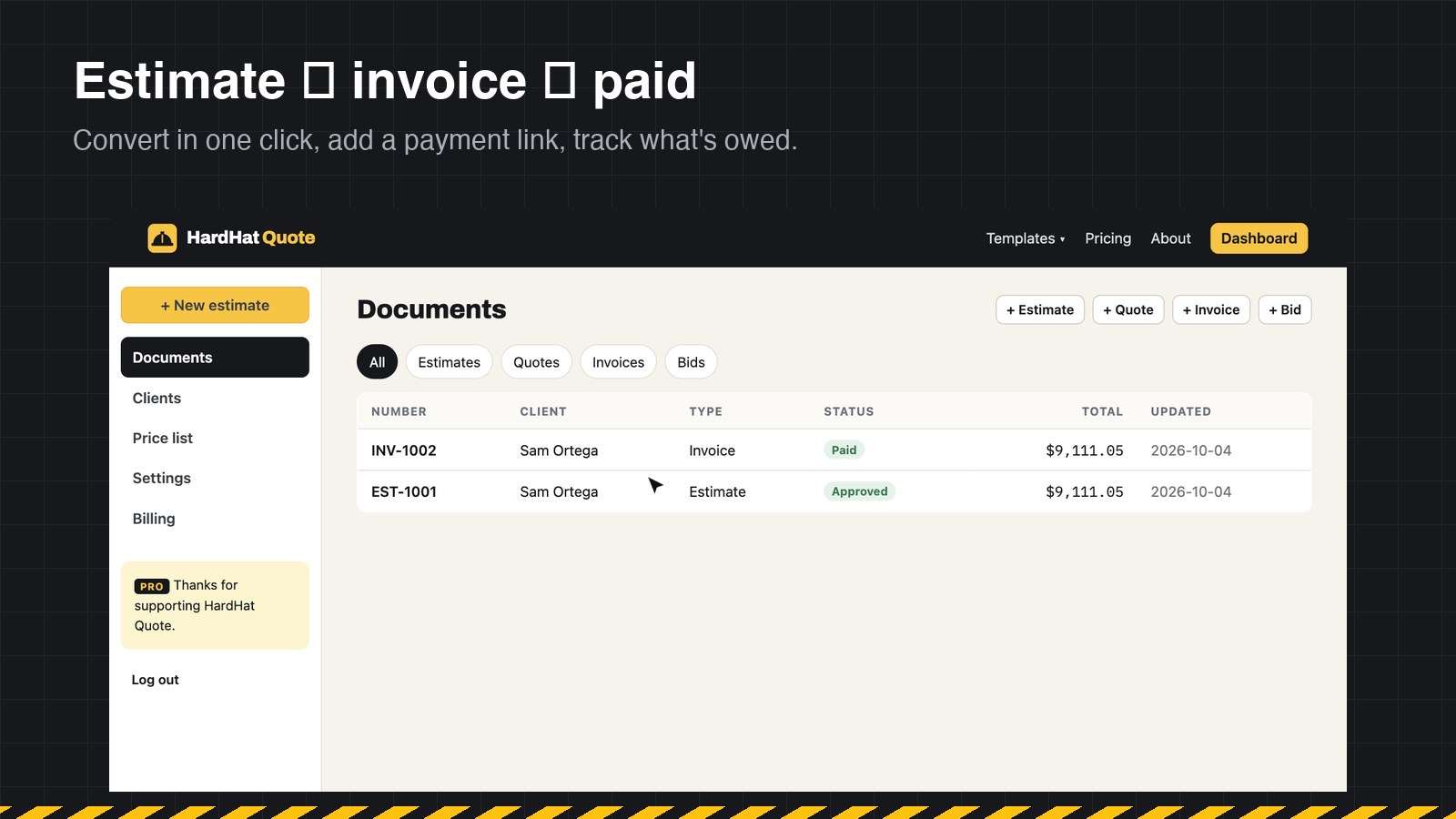
Invoice from the approved estimate
One click creates an invoice with the same scope and prices and the next invoice number. Nothing to retype, nothing to get wrong.
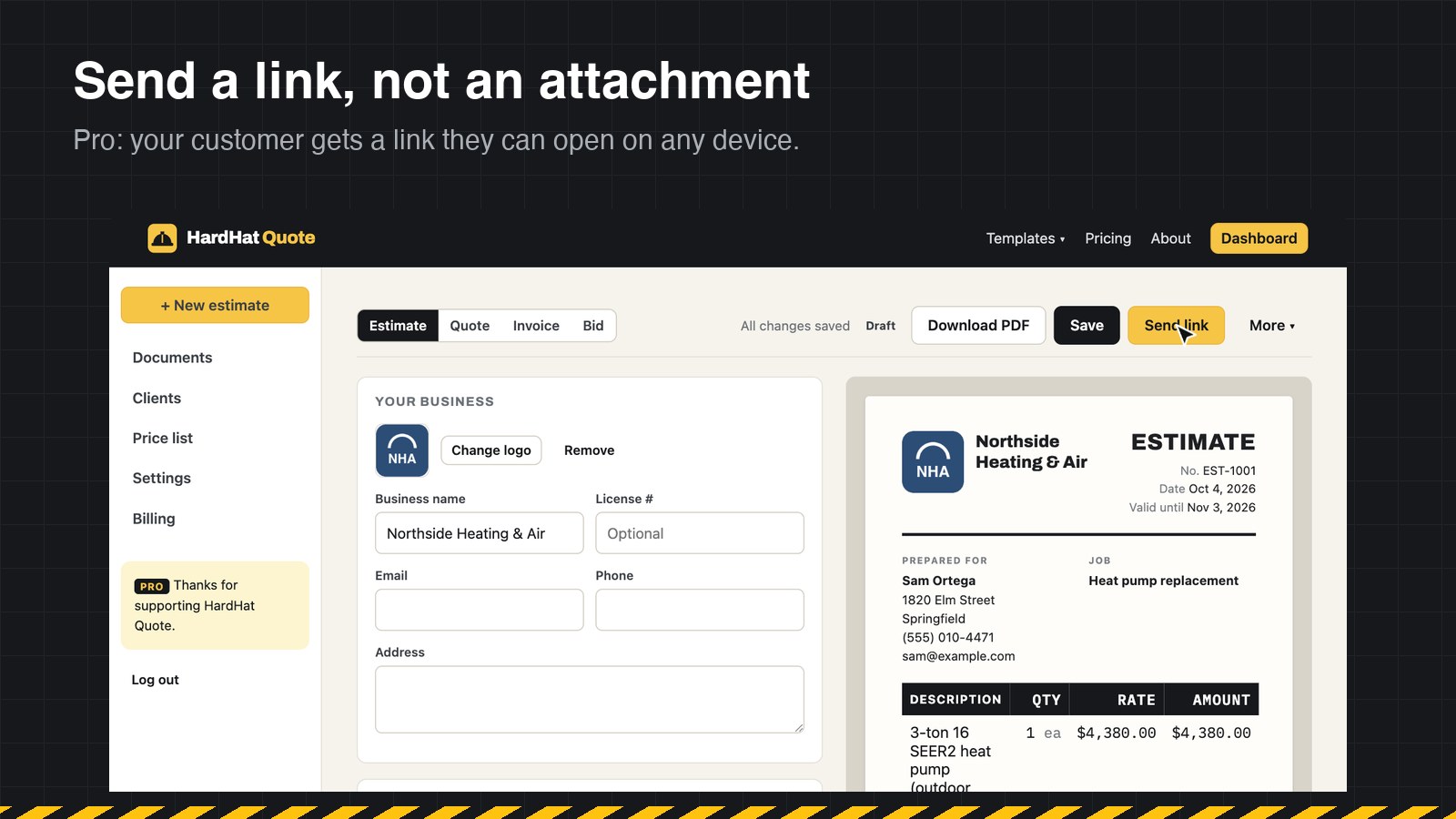
Send a link with a Pay button
Add your own payment link — Stripe, Square, PayPal or any checkout you use — and customers pay you directly. HardHat Quote never touches the money.
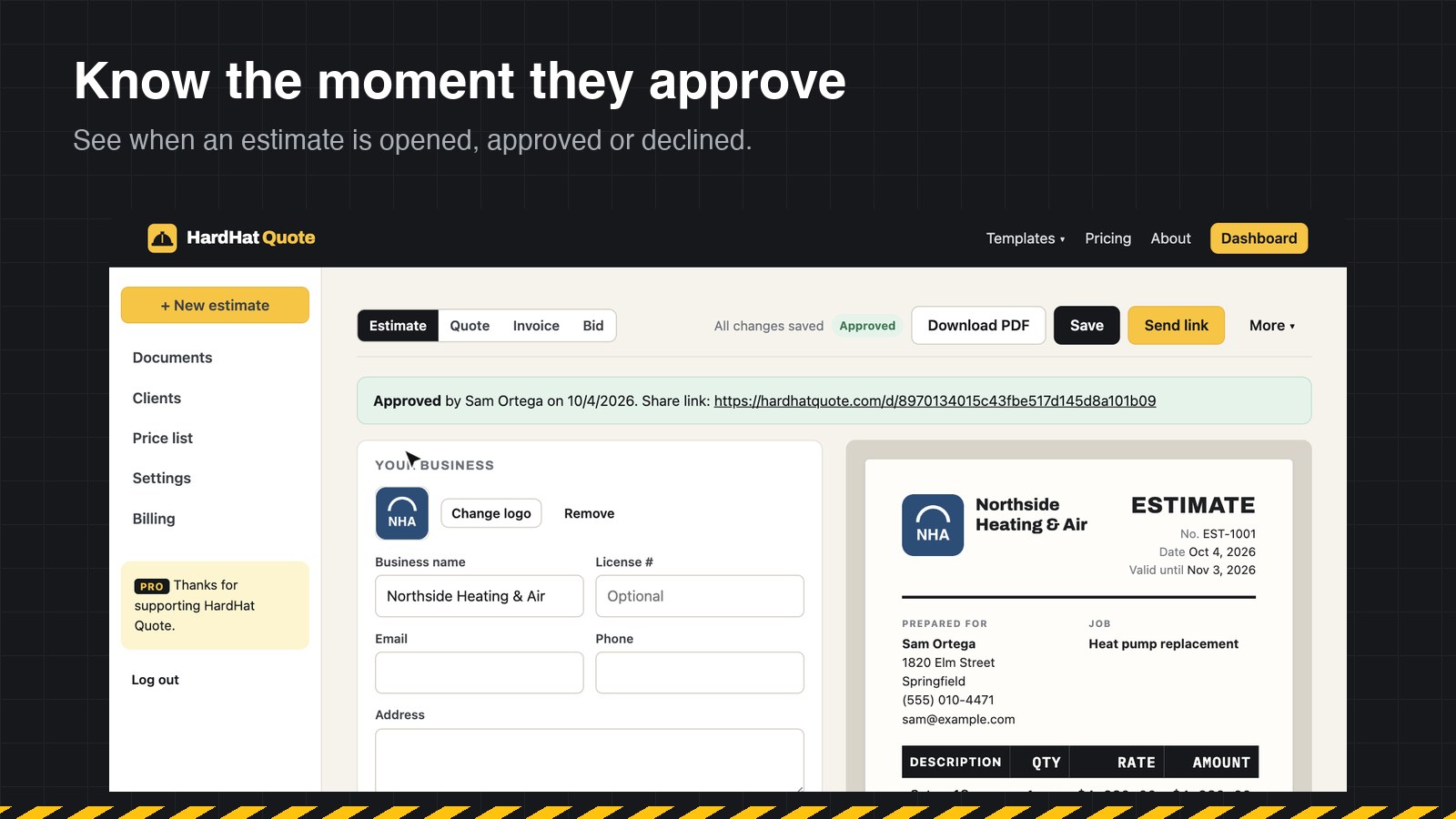
See what's sent, viewed and paid
Every document shows its status in one list, so you know which invoices are still open.
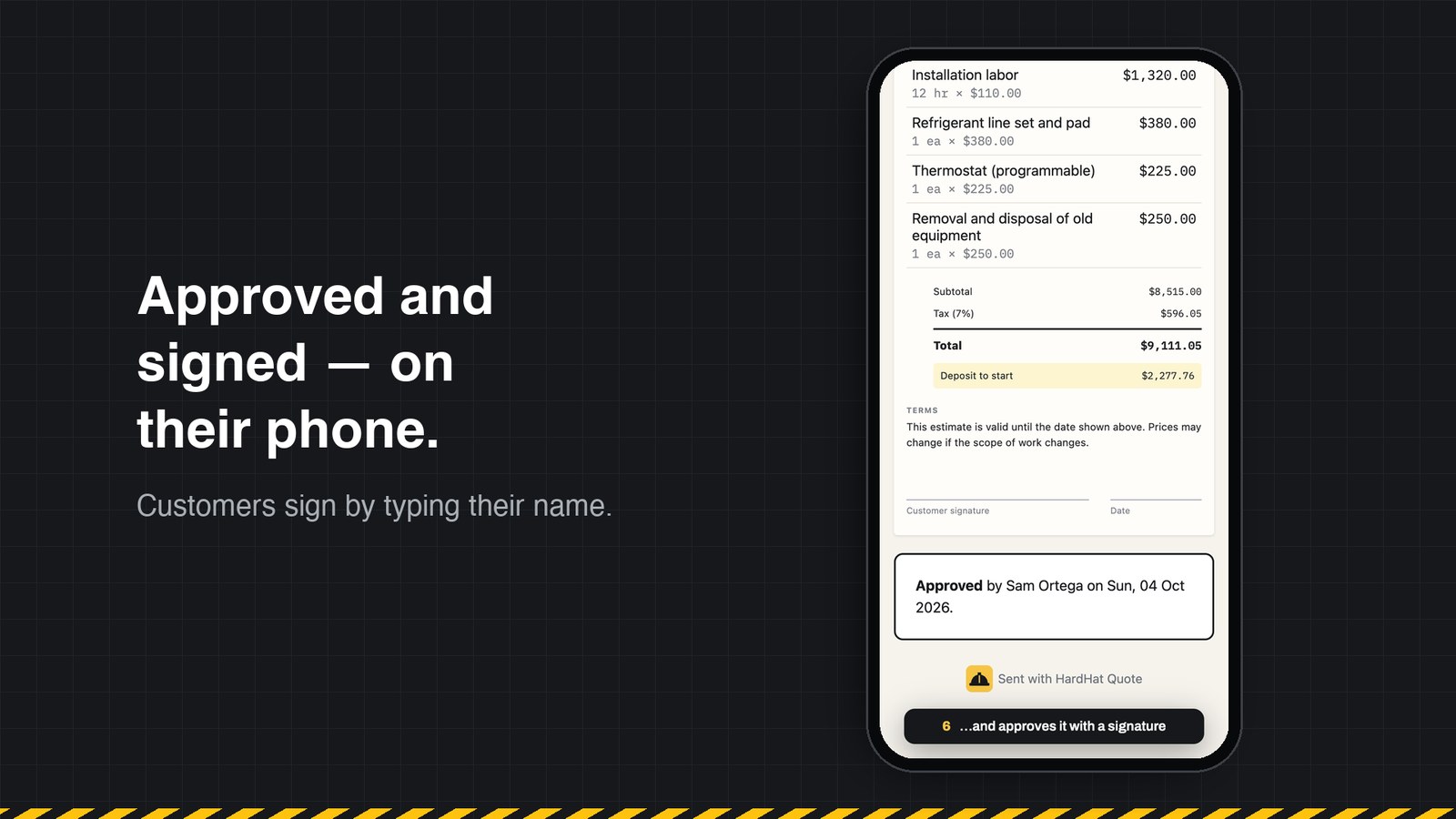
Built for customers on phones
Invoices are readable on any screen: line items, the deposit credit and the balance due, with a PDF download if they need one for their records.
How does it compare with a spreadsheet or Word template?
| Feature | Spreadsheet / Word | HardHat Quote Free | HardHat Quote Pro |
|---|---|---|---|
| Invoice templates for 25 trades | Find and edit a file | ✓ | ✓ |
| Deposits and payments credited, balance due calculated | Manual math | ✓ | ✓ |
| Payment link on the invoice | Paste into email | ✓ | ✓ |
| Create the invoice from the approved estimate | Retype it | — | ✓ |
| Shareable invoice link | — | — | ✓ |
| Mark as paid and track status | Spreadsheet | — | ✓ |
| Custom invoice numbering | Remember the last one | — | ✓ |
| No HardHat Quote footer on PDFs | — | — | ✓ |
Is it the right tool for you?
A good fit for
- Contractors and home service businesses who invoice per job or per milestone
- Teams that already use an estimate and want the invoice to match it
- Anyone who takes card payments through their own Stripe, Square or PayPal link
Not built for
- Built-in card processing (you use your own payment link)
- Automatic late-payment reminders — not available yet
- Bookkeeping, payroll or tax filing
See each step
Frequently asked questions
Can I create contractor invoices for free?
Yes. Invoice templates and PDF downloads are free without an account, and a free account saves up to 5 documents.
How do customers pay?
You add your own payment link to the invoice and customers pay you directly through your processor. HardHat Quote doesn't take a cut of your payments.
Can I show a deposit on the invoice?
Yes. Enter the amount already paid and the invoice shows the total, the payment credited and the balance due.
What records should I keep for invoices?
The IRS treats invoices as supporting documents for the income you report, so keep copies organized by year. You can export all your HardHat Quote data as a file at any time.